

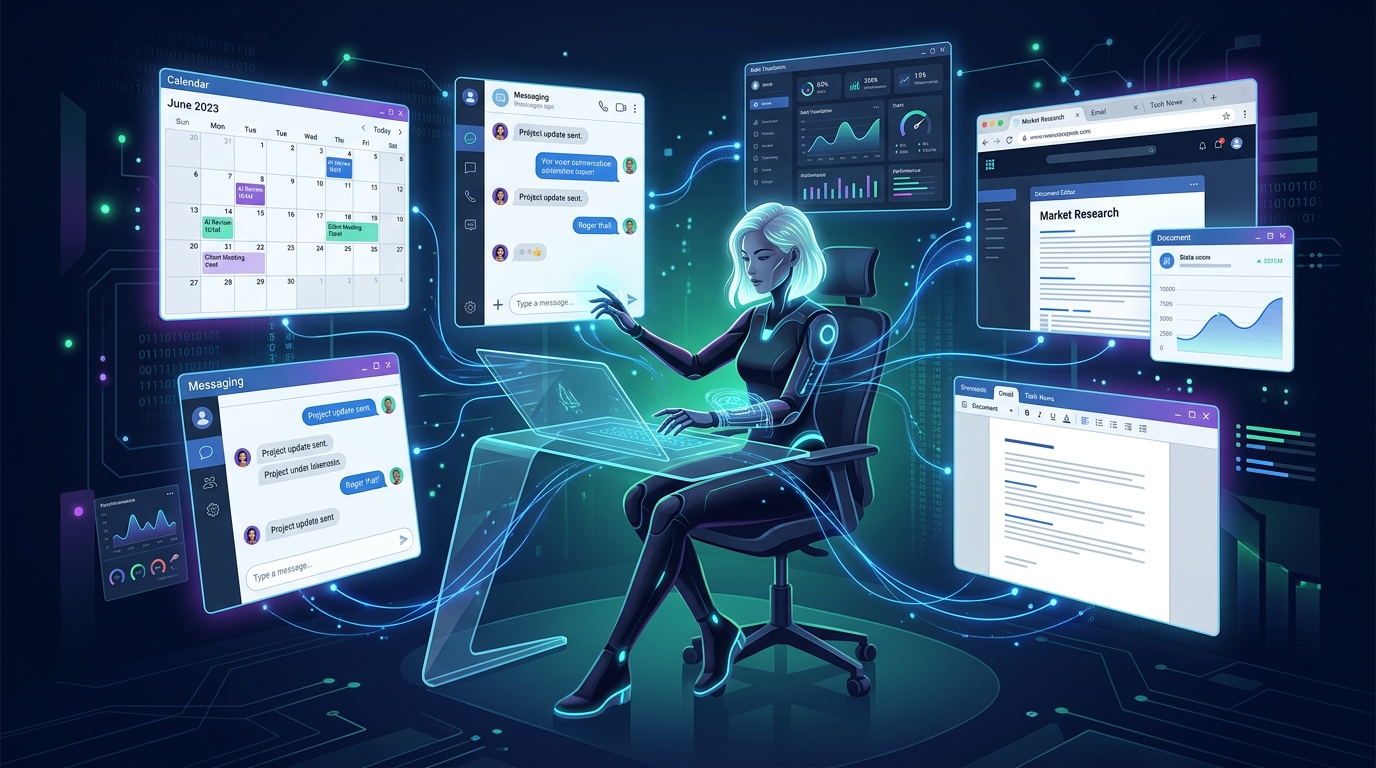
OpenAI Dots are persistent, always-on AI agents that get their own dedicated virtual computer in the cloud to perform digital tasks on your behalf. Unlike standard chatbots that only reply when you ask a question and stop working the moment you close the tab, a Dot can browse the web, use connected business apps, and continue working autonomously day or night—even when your laptop is powered off.
Announced on September 29, 2026, at OpenAI's annual DevDay event in San Francisco, Dots represent the company's boldest pivot yet: moving beyond conversational chat into genuine, autonomous agency.
If terms like "agentic workflows," "virtual computers," and "ChatGPT Space" sound confusing, this beginner-friendly guide walks through exactly what Dots are, how they operate behind the scenes, what tasks they can take off your plate, and how much they cost.
The "Always-On" Idea: Moving Beyond Ephemeral Chat
To understand why Dots are different, think about how you use AI today.
When you open ChatGPT, you initiate an ephemeral, turn-based dialogue. You write a prompt, wait twenty seconds for an answer, copy that text into another window, and close the session. If an answer takes ten minutes of research or requires following up with three colleagues on Slack tomorrow morning, traditional ChatGPT cannot help you. It lacks memory beyond the current chat, and it cannot execute actions while you sleep.
A Dot is "always on." Instead of an interactive chat window, think of a Dot as an asynchronous digital colleague. When you assign a Dot a goal—such as "Track supplier invoices arriving in our billing inbox, verify line items against our ledger, and ping the finance channel if an anomaly exceeds $500"—the agent keeps executing in the background continuously.
How It Works: A Virtual Computer in the Cloud
How can an AI agent use your business software without sitting at your physical desk?
OpenAI solves this by provisioning each Dot with its own cloud-hosted virtual computer. This architecture gives the agent:
- Dedicated Web Browsing: The Dot can navigate modern websites, complete forms, research vendor documentation, and extract live data.
- Connected App Integrations: Through authenticated connectors, a Dot can interact with calendars, spreadsheets, GitHub repositories, and customer databases.
- Independent Compute Sandbox: Because the agent runs in OpenAI's cloud rather than on your local machine, a long-running calculation or data extraction never drains your laptop battery or freezes your local desktop.
💡 Under the Hood: Powered by GPT-6 Astra
Dots are powered by GPT-6 Astra, OpenAI's flagship frontier reasoning model unveiled earlier this month. Astra's deep computer-use capabilities and multi-step reasoning allow Dots to self-correct when a web button moves, a page throws a 404 error, or an unexpected email response alters the next logical step.
What Can OpenAI Dots Actually Do?
During DevDay, OpenAI demonstrated Dots handling several everyday administrative and technical duties. For a deeper assessment of where they shine and where they struggle, check our in-depth analysis on whether Dots can handle your repetitive office tasks.
Key day-to-day use cases highlighted by OpenAI include:
📅 Meeting & Calendar Coordination
Cross-referencing multiple team schedules across time zones, suggesting optimal slots, drafting invites, and rescheduling conflicts automatically.
✈️ Travel & Logistics Planning
Comparing flights, checking hotel policies against company travel budgets, organizing itineraries, and alerting travelers to flight gate changes.
📨 Notification & Inbox Triage
Monitoring crowded Slack or Teams channels, summarizing priority discussions, and preparing draft responses to common customer inquiries.
💻 Code Debugging & System Health
Reading software logs, identifying stack trace anomalies, generating draft pull requests, and checking uptime status reports.
How You Interact with a Dot
OpenAI made interacting with Dots as flexible as communicating with a remote coworker:
- Web & Mobile Chat: You can open the ChatGPT interface and talk to your Dot directly.
- SMS Text & Phone Calls: In a surprising demonstration, OpenAI revealed that users can text or dial their Dot over the phone for hands-free audio updates while commuting.
- Slack & Microsoft Teams: Enterprise teams can mention their Dot (e.g.,
@Dot-Research) directly within group channels to trigger collaborative workflows. - Personalization: Similar to Meta's Muse, users can assign their Dot a custom name and visual avatar to represent its distinct role on the team.
The Collaborative Workspace: ChatGPT Space, Pages & Slides
Dots are part of a broader enterprise productivity suite launched at DevDay:
- ChatGPT Space: A unified digital workspace where human team members and assigned Dots share documents, track active projects, and coordinate deliverables.
- Pages: An integrated, real-time document editor allowing users and agents to write, format, and synthesize documentation collaboratively.
- Collaborative Slides: AI-assisted presentation slides that Dots can populate with live research data, charts, and executive summaries.
This bundle positions OpenAI in direct competition with productivity titans like Google Workspace and Microsoft 365.
Dots vs. Regular ChatGPT: The Strategic Difference
If you're wondering whether you should use standard ChatGPT or spin up a Dot, our companion guide breaks down OpenAI Dots vs ChatGPT: When Do You Need an AI Agent?
In short:
Standard ChatGPT = Thinking Partner
Ideal for brainstorming, writing first drafts, explaining complex concepts, answering one-off questions, and reviewing code snippets.
OpenAI Dot = Delegation Partner
Ideal for recurring chores, multi-step actions across external tools, notification filtering, and tasks requiring hours or days of persistent monitoring.
Cost and Access: Who Can Use Dots Today?
OpenAI is initially positioning Dots toward the business and professional market:
| Plan Tier | Dots Entitlement | Estimated Cost |
|---|---|---|
| ChatGPT Pro | 1 Free Dot included (with compute allowance) | $100 / month |
| Business Premium | 1 Free Dot per user + organization controls | Enterprise contract pricing |
| ChatGPT Plus | Not currently included | $20 / month |
| Free Accounts | No access | Free |
OpenAI noted that organizations will be able to purchase additional Dots in the future at pricing tiers that have yet to be disclosed.
Safety and Privacy: What You Need to Know
Granting an autonomous AI agent permission to act on your behalf naturally raises security questions. Before deploying a Dot, keep these three principles in mind:
- Isolated Cloud Sandbox: A Dot's cloud computer is strictly segregated from your physical device. Assigning a Dot a task does not grant it blanket access to personal files, browser histories, or passwords saved on your local computer.
- Model Training Opt-Out: Users on personal plans should check their ChatGPT data privacy settings to ensure their conversations and Dot task executions are opted out of foundation model training.
- Start with Low-Risk Responsibilities: Because Dots are brand new, real-world community testing is limited. Treat new agents like entry-level interns: begin with read-only summarization and calendar coordination before giving them access to sensitive payment or customer databases.
Who Should Try It, and Who Should Wait?
✅ You Should Try Dots If:
You or your company already subscribe to ChatGPT Pro or Enterprise plans, you work heavily in Slack or Teams, and you spend several hours every week on repetitive administrative coordination.
⏳ You Should Wait If:
You are a casual user on the free or $20/month Plus tier, or your daily workflow is primarily conversational brainstorming. Wait for broader independent evaluations and potential consumer-tier rollouts before upgrading.
Summary
OpenAI Dots represent the dawn of the always-on AI workforce. By pairing the reasoning depth of GPT-6 Astra with an isolated cloud computer, Dots turn AI from a responsive search engine into an active delegator. As enterprise teams begin testing their first Dots this week, the transition from chatting with AI to managing AI agents has officially begun.
Stay Ahead of Frontier AI Agents
Get weekly architectural teardowns, benchmark analyses, and deployment strategies covering OpenAI Dots, GPT-6.1 Sol, and autonomous workflows.
Master Architecture: Always-on desktop assistants and background OS permissions are cataloged in our comprehensive 2026 AI Tools & Autonomous Agents Guide, evaluating consumer agents, privacy boundaries, and task execution loops.