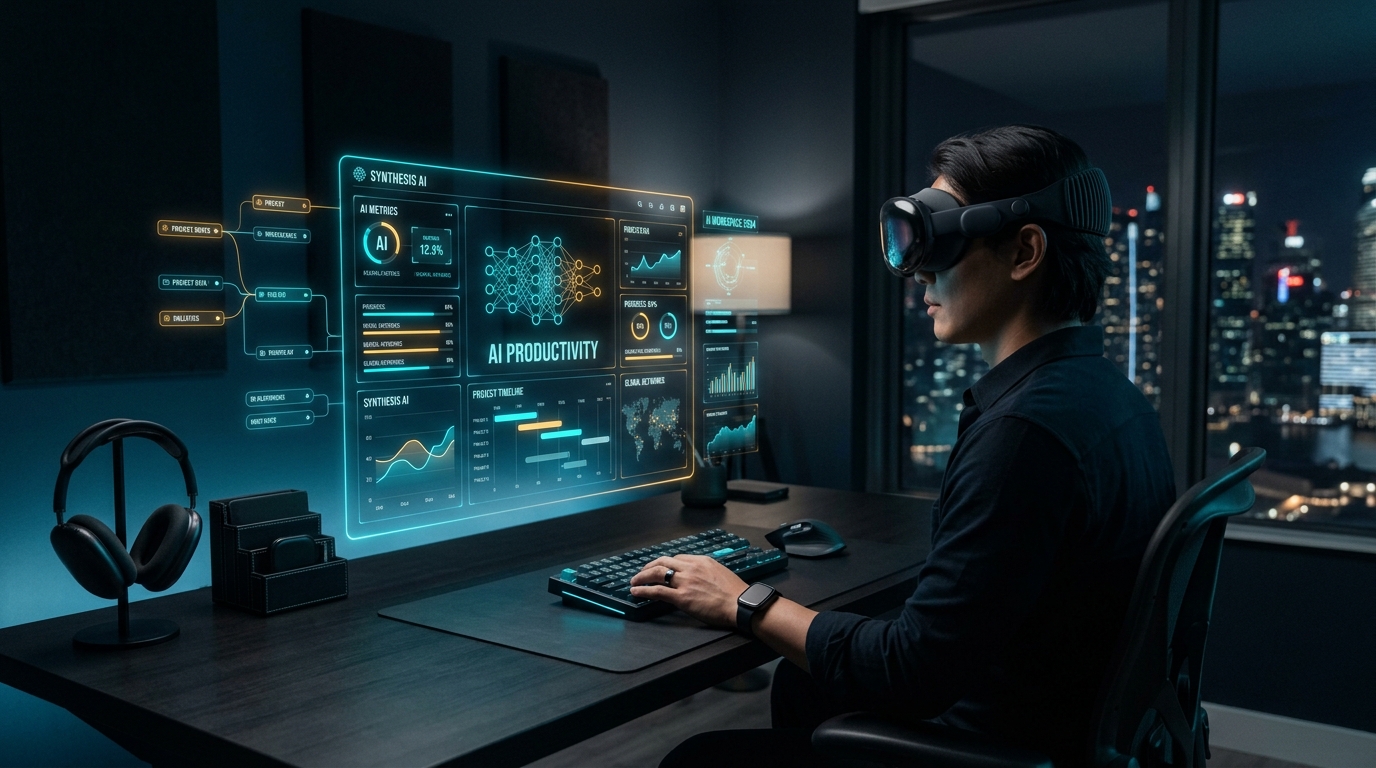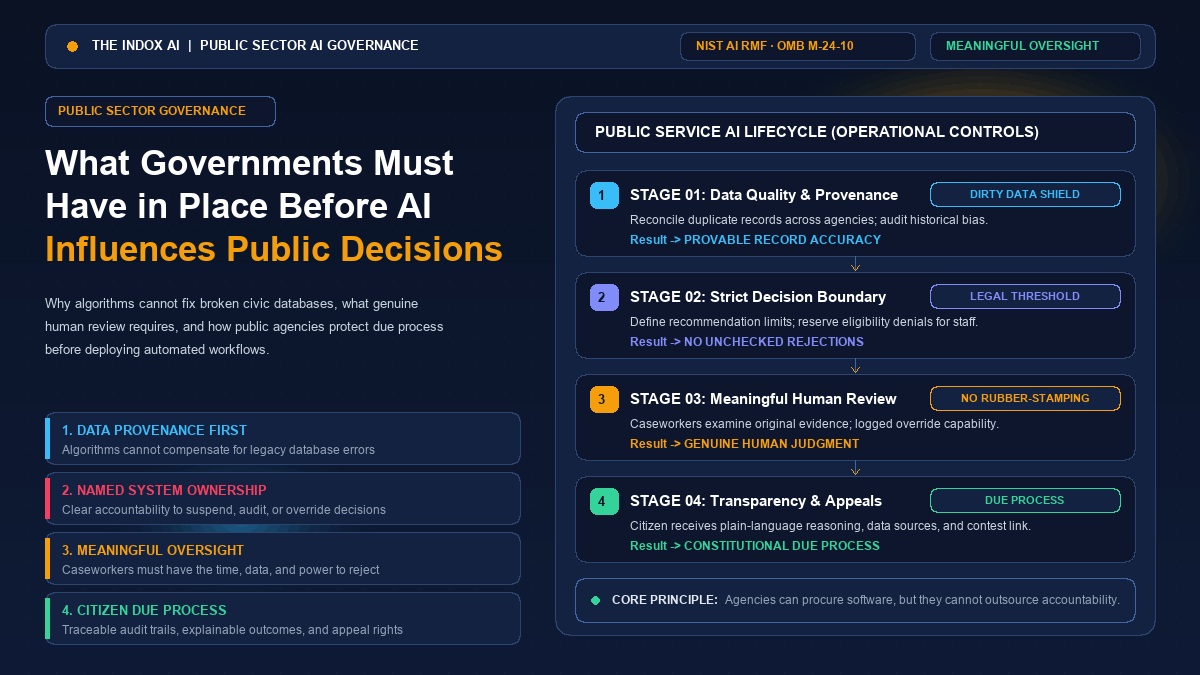

For years, virtual reality was widely dismissed by corporate leaders as an expensive gaming novelty—a consumer gadget suited for rhythm games and sci-fi simulations, but far too clunky for serious workplace operations. Today, that perception is officially obsolete. Enterprise immersive technology has matured into a pragmatic operational tool. Organizations across the globe are deploying virtual reality to overhaul workforce onboarding, conduct complex design reviews, and enable distributed teams to collaborate in high-fidelity 3D spaces. At the center of this transition sits Meta VR for business, driven by the widespread accessibility of standalone Meta Quest hardware.
In this guide, we break down the core advantages of adopting virtual reality in the enterprise, examine the key industries driving measurable returns, provide an honest look at where Meta fits in today’s evolving B2B landscape, and share practical steps to launch your first pilot without falling for the hype.
Top Advantages of VR for Business
When organizations transition from passive 2D screens to interactive 3D spatial environments, the operational benefits extend far beyond novelty. Here are the primary advantages driving enterprise VR adoption:
| Advantage | Operational Impact | Measurable Business Outcome |
|---|---|---|
| Safer, Cheaper Training | Zero-risk hazardous simulation | Drastic reduction in workplace injuries & equipment downtime |
| Higher Knowledge Retention | Spatial muscle memory & emotional focus | Up to 4x faster learning velocity vs. traditional classrooms |
| Remote Presence & Collaboration | Shared 1:1 scale digital workbench | Accelerates design approvals across distributed global teams |
| Virtual Prototyping | Digital twin inspections before fabrication | Eliminates physical clay models & expensive tooling rework |
| Enhanced Customer Showrooms | Photorealistic 3D product previews | Accelerates high-ticket B2B sales cycles without shipping goods |
| Long-Term Cost Efficiency | Elimination of seminar travel & consumables | Immediate ROI on recurring enterprise training budgets |
1. Safer, Lower-Cost Training
In high-risk sectors like energy, aviation, and heavy manufacturing, errors during on-the-job training can cause severe physical injury or multi-million-dollar machine damage. Virtual reality provides a zero-consequence environment. Technicians and operators can rehearse emergency shutdowns, handle virtual high-voltage switches, and master hazardous protocols repeatedly until muscle memory takes over—all without endangering personnel or taking revenue-generating machinery offline. Similar to how educators are exploring no-code learning simulations, enterprise trainers can build repeatable simulation paths that scale across global cohorts.
2. Superior Knowledge Retention
Traditional corporate compliance training relies on passive slide decks and recorded video lectures that employees rapidly forget. Landmark studies from enterprise consultancies like PwC demonstrate that VR learners are four times faster to train than classroom learners and report 275% more confidence in applying newly acquired skills. Engaging spatial awareness and physical motion cements operational knowledge far more effectively than passive screen viewing.
3. Seamless Remote Spatial Collaboration
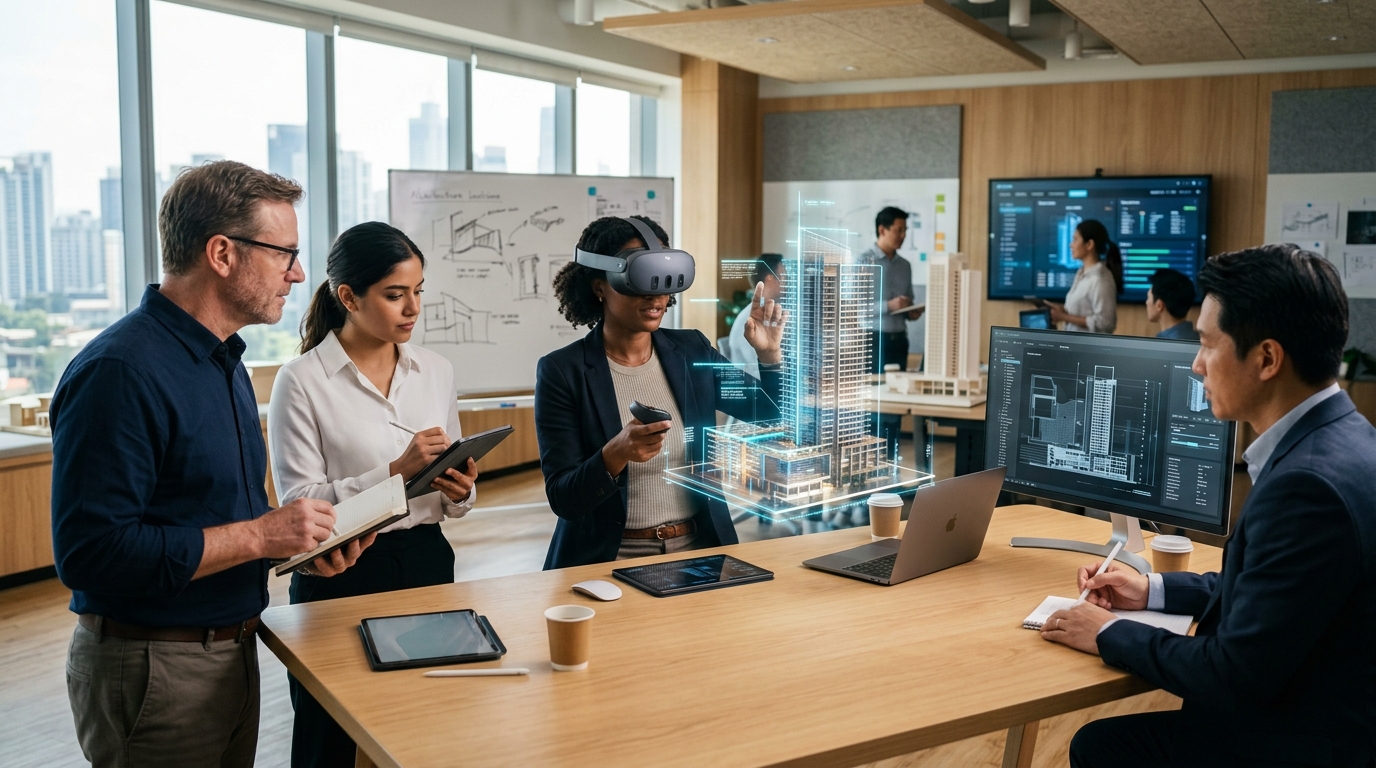
Standard video conferences flatten interactions and suffer from screen fatigue. VR allows distributed industrial designers, architects, and product managers to meet inside a shared virtual room. Colleagues can inspect full-scale 3D models, point to microscopic tolerances with natural hand gestures, and converse with directional spatial audio as if standing side by side.
4. Rapid Prototyping and Ergonomic Review
Fabricating physical mockups and scale models is time-consuming and expensive. In VR, engineering teams import CAD assemblies directly into headsets. Teams can evaluate sightlines, reach distances, and maintenance clearance months before ordering raw materials or configuring production tooling.
5. Elevated Customer Experience and Virtual Showrooms
Sales teams can transport enterprise buyers directly inside photorealistic digital twins without shipping heavy machinery across oceans. Whether showcasing complex industrial turbines, luxury real estate floor plans, or bespoke architectural interiors, VR eliminates travel logistics while delivering an unforgettable buyer presentation.
6. Reduced Travel and Consumable Material Waste
Flying personnel to central training academies burns substantial operational budget on airfare, lodging, and per-diems. Virtual reality allows global subsidiaries to complete standardized onboarding locally, slashing corporate carbon footprints and consumable material waste in one strategic stroke.
"Virtual reality is no longer about simulating imaginary worlds; it is about eliminating physical friction, material waste, and safety risks from our real-world operations."
Key Industries Using VR Today
Enterprise adoption of virtual reality delivers the highest yield when 3D spatial scale, precision manual dexterity, and spatial risk are core operational factors. Here is how six key industries are leading deployment:
Healthcare
Medical institutions deploy VR for surgical pre-planning, complex anatomical training, and pediatric distraction therapy. Surgeons can interact with 3D reconstructions of a specific patient's CT or MRI scan before performing high-stakes procedures.
Concrete Example: Johnson & Johnson Institute partnered with surgical simulation platform Osso VR to train orthopedic surgeons on complex robotic joint replacement procedures using Quest headsets. Randomized clinical trials showed surgeons trained via VR demonstrated an approximate 230% increase in surgical performance over those trained using conventional manual methods.
Manufacturing and Engineering
Factory planners and plant managers use VR to test assembly line layouts, audit worker ergonomics, and execute hazardous machinery maintenance drills.
Concrete Example: Automotive leader BMW Group uses immersive spatial design reviews across global plants. Assembly workers and ergonomics engineers walk through digital mockups of future workstations up to 18 months before tooling begins, catching ergonomic bottlenecks and part collisions before physical installation.
Real Estate and Architecture
Architects and real estate developers replace static blueprints and artistic impressions with interactive 1:1 scale walkthroughs. Investors and international buyers can explore sunlight angles, interior finishes, and structural proportions from anywhere in the world.
Concrete Example: Commercial property brokers utilizing Matterport digital twins allow prospective international tenants to conduct comprehensive spatial inspections of commercial office space, dramatically accelerating commercial leasing cycles while eliminating transcontinental travel.
Retail and E-Commerce
Retailers leverage VR for store planogram optimization, associate customer service training, and virtual 3D try-on experiences.
Concrete Example: Walmart deployed virtual reality simulations across hundreds of training academies nationwide, allowing associates to experience high-volume shopping events like Black Friday and master new pickup-tower procedures in a controlled, realistic simulation.
Education and Corporate Training
Beyond technical skills, corporate enterprises are turning to VR for interpersonal soft-skills development, customer conflict resolution, and leadership coaching.
Concrete Example: Bank of America introduced virtual reality training across thousands of branches nationwide, providing frontline associates with lifelike practice in empathy, active listening, de-escalating tense customer disputes, and safely managing bank robbery procedures.
Travel and Hospitality
Hotels, luxury cruise operators, and airlines utilize immersive previews to showcase premium cabin seating, meeting conference venues, and exotic travel destinations.
Concrete Example: Lufthansa created interactive 360-degree VR cabin previews, enabling passengers booked in economy to experience the space and comfort of premium economy and business class seats, directly driving cabin upgrade conversions.
Where Meta VR for Business Fits Today: The Honest Landscape
Meta undeniably revolutionized virtual reality hardware with the Meta Quest lineup (Quest 2, Quest 3, Quest 3S, and Quest Pro). By packaging inside-out optical tracking, color passthrough, and onboard mobile processing into standalone headsets starting at accessible price points, Meta eliminated the requirement for high-end tethered PCs and external tracking stations.
However, decision-makers evaluating Meta VR for business should understand how the company's enterprise strategy has matured:
- Winding Down Proprietary Business Suites: Early in its corporate push, Meta attempted to build all-in-one business software—most prominently through Horizon Workrooms and dedicated proprietary business portals. Meta has since recognized that enterprise customers prefer to use their existing IT stacks rather than locked social networks.
- The Pivot to Enterprise Ecosystem Partnerships: Rather than forcing enterprises into proprietary walled gardens, Meta now positions Quest headsets as open endpoint hardware that seamlessly runs corporate platforms. Businesses now operate Quest headsets via Microsoft Teams Immersive Spaces (Mesh) and Zoom Workplace VR.
- Enterprise Mobile Device Management (MDM): Modern Quest headsets integrate with leading enterprise management solutions such as Microsoft Intune, VMware Workspace ONE, and ManageEngine, enabling centralized device provisioning, remote app deployment, and single sign-on (SSO) security compliance.
- Specialized ISV Software: Companies achieve tangible training outcomes by pairing Quest hardware with specialized enterprise software vendors such as Strivr, Talespin, and Taqtile, rather than relying on consumer gaming storefronts.
Evaluating Meta VR for Business: Challenges to Acknowledge
Virtual reality is a transformative tool when targeted at the right operational problems, but enterprise deployments face genuine headwinds when organizations ignore its limitations:
1. Headset Comfort and Session Fatigue
Despite steady weight reductions in the Quest 3, wearing a facial headset for longer than 45–60 minutes can induce eye strain, facial pressure, and simulator fatigue. VR thrives in focused 20-to-30-minute training modules, not continuous eight-hour desk shifts.
2. Content Development & Custom Asset Costs
While Quest hardware is budget-friendly ($300 to $500 per unit), building custom, photorealistic 3D simulations in Unity or Unreal Engine requires specialized 3D artists, instructional designers, and engineering cycles that can require significant upfront capital.
3. Long-Term Vendor Roadmaps & Ecosystem Risk
Big tech roadmaps in spatial computing evolve rapidly. Organizations building proprietary solutions should adopt cross-platform open standards like OpenXR and WebXR to ensure software investments remain viable across future hardware generations.
4. Uneven Workflow Adoption
VR is not a universal replacement for dual monitors. Reading spreadsheets, writing code, and answering emails remain far more efficient on physical displays and keyboards. VR must be targeted strictly at tasks where 3D spatial immersion provides clear leverage.
Practical Tips for Businesses Considering VR
If your organization is planning an immersive technology initiative, follow this pragmatic rollout blueprint to safeguard capital and ensure employee adoption:
- Start with One High-Value, Bounded Use Case: Avoid abstract executive mandates to "build our corporate metaverse." Focus on a single measurable operational problem—such as high error rates in a specific assembly step, costly logistics for field audits, or customer de-escalation training for bank tellers.
- Run a Controlled Pilot and Measure Clear KPIs: Deploy 10 to 25 headsets to a target team. Benchmark their training speed, retention scores, and user satisfaction directly against a control group trained via conventional methods. Use concrete metrics to justify expanding the hardware fleet.
- Choose Established Software Partners Over Custom Builds: Unless your firm has an internal game studio, do not attempt to develop custom VR training engines from scratch. Partner with proven enterprise ISVs that offer pre-built modules, cloud analytics dashboards, and integrated MDM support.
Frequently Asked Questions
Key clarifications and practical answers addressed by The Indox editorial board.
Is Meta Quest hardware secure enough for corporate enterprise networks?
Yes. Modern Quest devices support enterprise Mobile Device Management (MDM) via Microsoft Intune, VMware Workspace ONE, and Ivanti, allowing IT teams to enforce device PINs, manage Wi-Fi certificates, sideload proprietary enterprise applications, and wipe lost devices remotely.
How does VR training compare financially to traditional classroom seminars?
While custom VR content requires upfront creation investment, cost parity is typically achieved within 200 to 400 trainees by eliminating flight tickets, hotel accommodations, instructor hours, and wasted physical training materials.
Can employees who wear prescription glasses use Quest headsets comfortably?
Yes. Quest 3 and Quest 3S headsets feature adjustable eye-relief facial interfaces and support magnetic snap-in prescription lens inserts, enabling clear, comfortable viewing without frames scratching the internal optics.
Conclusion: Strategy Over Hype
Immersive technology has graduated from speculative novelty into an effective operational instrument. When implemented with a focused, metric-driven roadmap, Meta VR for business offers organizations an accessible, high-yield avenue to train personnel safer, accelerate prototyping cycles, and unify distributed global teams in lifelike 3D space.
Success in spatial computing does not require believing in science fiction visions. It requires recognizing where physical constraints, safety risks, and travel expenses are quietly holding back your operations—and letting virtual reality bridge the gap.
Ready to Explore Enterprise Spatial Computing?
Has your organization launched virtual reality training or design reviews? What operational barriers have you encountered? Share your experience in the comments below, or subscribe to our newsletter for practical, hype-free enterprise technology analysis.
Join the Discussion & SubscribeMaster Architecture: Enterprise spatial computing and virtual multi-monitor workflows are featured in our 2026 AI Productivity Blueprint, evaluating immersive 3D collaboration in corporate engineering.