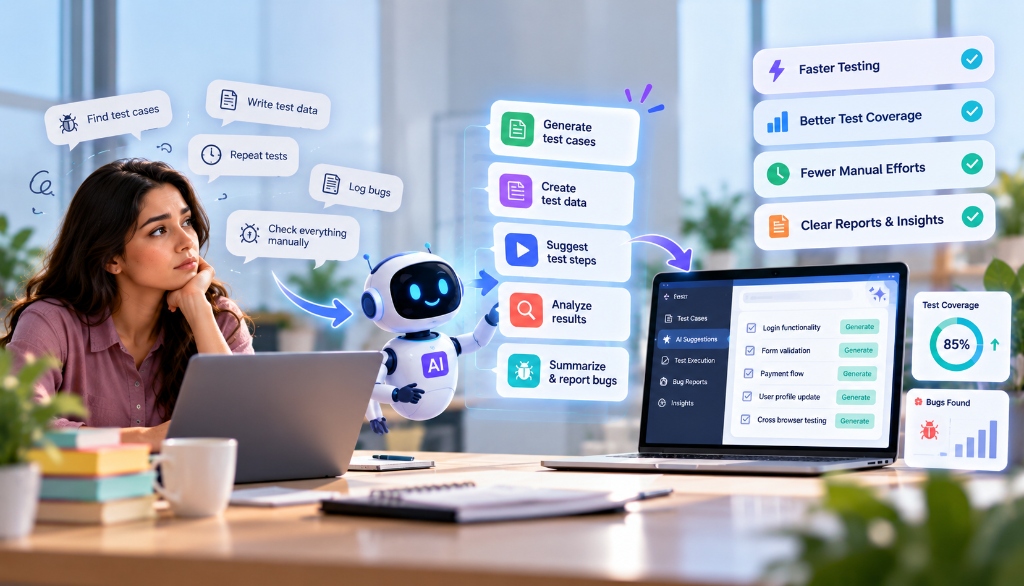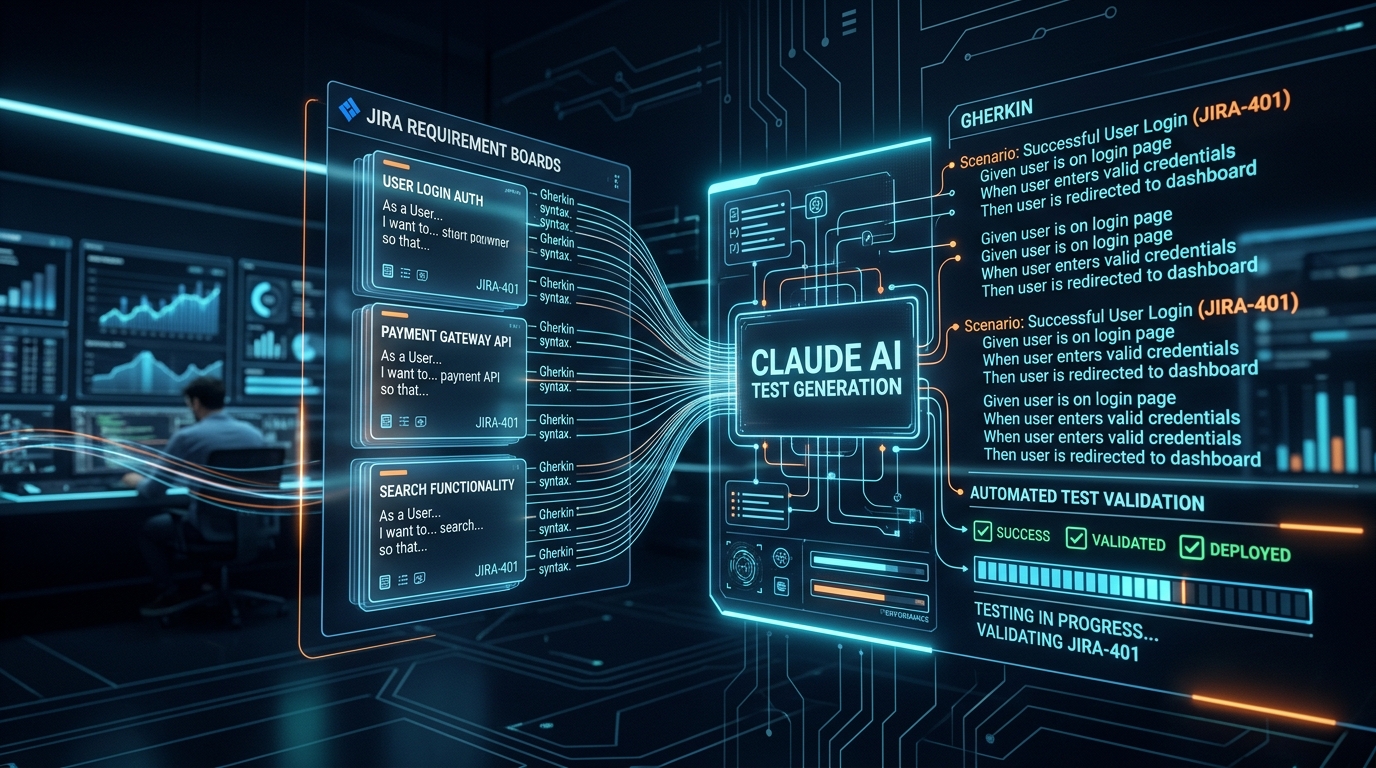


Writing code with artificial intelligence has completely changed how fast websites and applications are built. What once took an engineer three days can now be drafted in three minutes with tools like Cursor, Claude Code, GitHub Copilot, and ChatGPT. But speed introduces a dangerous side effect: code that looks flawless at a glance can quietly contain breaking bugs, security oversights, or subtle layout shifts that only show up when real visitors use your site. On September 22, Cloudflare introduced Worker Previews, giving developers isolated branch environments with their own URLs, independent storage state, and real-time monitoring. Here is a practical, step-by-step guide to testing AI-generated code safely before it ever touches your live production website.
The Danger of the "Looks Good to Me" Trap
When an AI coding assistant produces a block of code, it almost always formats it neatly, adds helpful-looking comments, and speaks with total confidence. If you copy that code into your project and it compiles without an immediate red error screen, it is tempting to push it straight to your live site.
That habit is a fast track to broken websites and lost sales. AI models are trained on patterns, not real-time understanding of your unique infrastructure. Here are the most frequent bugs AI models introduce when generating web code:
- The Happy-Path Assumption: The AI writes code that handles perfect user inputs, but crashes when a user submits an empty form, enters an emoji into a phone number field, or experiences a slow cellular connection.
- The Silent Overwrite: When you ask an AI to update one small part of an existing file, it often rewrites the entire function, inadvertently deleting critical error handlers, analytics trackers, or authentication guards that were already working.
- Leaked Configuration Secrets: An AI might casually hardcode an API secret key directly into client-side JavaScript instead of reading it from a secure environment variable on your server.
- Mobile Viewport Breakage: A new pricing card or checkout modal looks clean on the developer’s desktop monitor, but overflows the screen and hides the "Buy" button on iPhone or Android displays.
The Rule of Modern Web Operations:
Never push AI-generated code directly to your production server or main branch. Every change—no matter how simple it seems—must pass through an isolated preview environment where you can click, test, and break things without affecting real visitors.
What Are Cloudflare Worker Previews?
On September 22, Cloudflare launched Worker Previews, solving one of the biggest headaches in modern web development: testing branch changes in a realistic cloud environment without risking live traffic.
Previously, testing serverless functions or edge worker code required either running a local simulator on your laptop (which often behaves differently from the real cloud edge) or deploying to a shared staging server where multiple team members could accidentally overwrite each other’s work.
With Worker Previews, every time you or your AI coding assistant create a new Git branch, Cloudflare automatically provisions:
- An Ephemeral, Shareable Preview URL: A unique web address (such as
feature-auth-revamp.my-project.workers.dev) where you can load the exact branch code in any web browser on desktop or mobile. - Isolated State and Storage: Your preview instance connects to isolated sandbox data—preventing test submissions from polluting your live production database, KV storage, or user analytics.
- Live Real-Time Monitoring: You can watch live request logs, status codes, and error traces directly in your terminal or dashboard as you interact with the preview site.
- Zero Production Risk: If the AI wrote code with an infinite loop or broken route, only that temporary preview URL crashes. Your live customers on your primary domain never notice a thing.
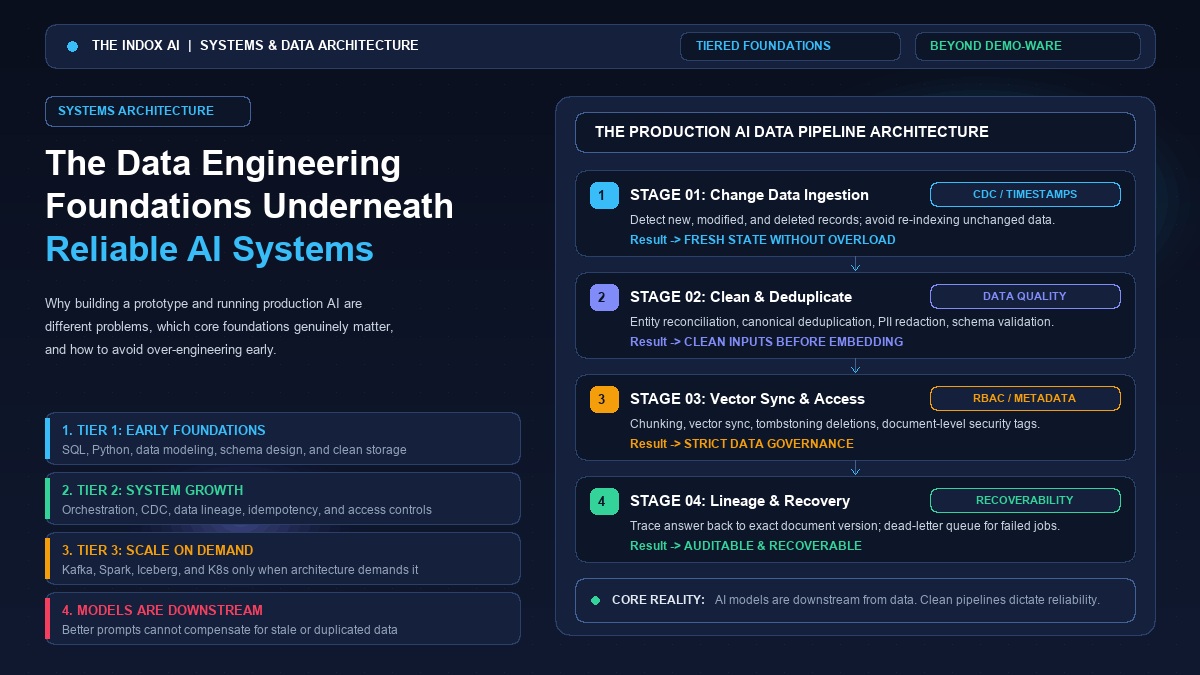
The 4-Pillar Testing Framework for AI-Written Code
To ensure every AI code suggestion is thoroughly vetted, adopt this four-pillar checklist before merging any pull request:
| Pillar | What You Are Testing | How to Verify It | Common AI Failure Point |
|---|---|---|---|
| 1. Preview Deployment | Code builds and runs in a real cloud environment | Load branch preview URL in browser | Missing environment variables or build scripts |
| 2. Hands-On Browser Checks | Visual layout, mobile screens, and user interactions | Click all buttons, test error states, check console | Layout shifts, broken modals, unhandled error messages |
| 3. Test Data Isolation | Database writes, payments, and external APIs | Use mock fixtures and sandbox API keys | Sending real test emails to customers or charging live cards |
| 4. Human Approval Gate | Line-by-line diff review before merging | Read the Git diff with your own eyes | AI secretly deleting legacy business logic |
Step-by-Step: The Practical Testing Workflow
Here is how a professional engineering workflow looks when using AI coding assistants alongside preview environments:
Step 1: Always Work in a Feature Branch
Never let an AI assistant write changes directly into your main or production branch. Create a dedicated branch with a descriptive name:
Step 2: Let the AI Generate Code, Then Push to Deploy a Preview
Use your coding assistant to write the new component, controller, or edge worker. As we discussed when mapping out a realistic workflow for coding with AI, keeping your prompts scoped to focused, single-file diffs rather than asking for massive rewrites makes both drafting and subsequent testing far more reliable. Once you commit and push your branch to GitHub or GitLab, your preview deployment triggers automatically:
Within 30 seconds, Cloudflare Worker Previews (or services like Vercel and Netlify) outputs a unique preview link in your terminal or pull request comments:
Step 3: Conduct the 5-Minute Manual Browser Audit
Open that link on both your desktop monitor and your smartphone. Run through these five specific manual checks:
- Open Developer Tools (F12): Check the Console tab. Are there any red JavaScript errors, missing resource 404s, or mixed content warnings?
- Trigger Validation Errors: Click the "Submit" button without typing anything into the form fields. Does the form display helpful error messages, or does it hang indefinitely? Forms and authentication endpoints are notorious trouble spots: AI models frequently generate the visual challenge widget on the frontend while completely omitting the backend verification check. We recently broke down this exact vulnerability in our guide on why bots still bypass website protection widgets, and an isolated preview environment is the best place to catch that missing server-side logic before going live.
- Test Stress Inputs: Enter long text strings, special characters (
<script>, accents, emojis), and invalid emails. Make sure the form sanitizes inputs gracefully. - Check Responsive Layouts: Resize your browser window from 1920px wide down to 375px wide. Ensure no buttons are cut off and no horizontal scrollbars appear unexpectedly.
- Inspect Network Calls: Check the Network tab to confirm that API endpoints return proper HTTP status codes (
200 OK,422 Unprocessable Entity) rather than silent 500 server crashes.
Step 4: Use Mock Data and Test Credentials Only
Never use real customer credentials or real credit card numbers when testing AI-generated features on preview URLs.
Ensure your preview environment is wired to Stripe test mode (using standard 4242... test card numbers), sandbox email dispatchers (like Mailtrap or local log files), and a seeded staging database. This guarantees that an errant query generated by an AI won't accidentally email 5,000 real customers or charge a live bank card.
"The fastest way to lose customer trust is testing in production. Preview URLs give your team a consequence-free sandbox to push AI code to its breaking points."
Step 5: The Human Code Diff Inspection Before Merge
Before clicking "Merge Pull Request," open the GitHub diff view and read every changed line with your own eyes:
- Did the AI modify any files that were unrelated to your prompt?
- Are there any hardcoded URLs, IP addresses, or secrets?
- Did the AI remove existing unit tests or documentation?
Only after the preview URL tests clean, automated CI/CD checks pass, and a human engineer approves the diff should the code be merged into the production branch.
Frequently Asked Questions
Key clarifications and practical answers addressed by The Indox editorial board.
Will Google index my preview URLs and penalize my SEO?
By default, reputable preview deployment platforms (including Cloudflare Worker Previews and Vercel) automatically inject the X-Robots-Tag: noindex HTTP response header on all branch preview URLs. This instructs search engines never to index preview links or treat them as duplicate content.
Does maintaining preview environments add massive cloud costs?
Because serverless worker preview instances are ephemeral, they only consume compute resources when an actual HTTP request is made. If you close your browser tab and leave the preview idle, you pay virtually nothing. When a branch is merged and deleted, the preview environment automatically vanishes.
Can non-technical team members use preview URLs?
Yes. That is one of their biggest advantages. You can paste the preview URL directly into a Slack or Teams chat, allowing product managers, designers, and business owners to click through the new feature on their own phones before signing off on release.
Summary: Speed Needs Guardrails
AI coding tools are the most powerful productivity multiplier software engineers have seen in decades. They remove boilerplate, draft algorithms, and speed up implementation cycles exponentially.
However, great engineering is not just about how fast code is written—it is about how reliably that code serves your users. By combining preview deployments, isolated state, and AI-assisted manual testing workflows with human approval gates, you get all the speed of modern AI without any of the sleepless nights.
Master Architecture: Pre-deployment sandboxing and automated verification rings are cataloged in Track 3 of our 2026 AI Software Engineering Playbook, enforcing strict QA guardrails against machine regressions.